¶ FAQ - Frequently Asked Questions
¶ General information on E-Exams
¶ How does an On Demand exam relate to other e-exams?
In an e-exam, you complete your questions digitally. The software can select different sets of questions from a question bank and calculate scores and grades. For On Demand exams, TU Darmstadt uses these features to offer you a choice of appointments and run the exam room with less on-site staffing.
¶ What is Moodle Exam?
In Moodle Exam, you can find information about e-exams and answer your exam questions. It has its own server resources and plugins. These allow TU Darmstadt to use your TUCaN exam registration to enrol you in the course and to run exams under the university’s examination regulations.
¶ Where can I try the different question types?
The public practice course in Moodle Exam has short quizzes covering different question types. Choose the ones you would like to try for your subject.
¶ Preparations
¶ Can I change my booking?
Yes. While bookings are open, you can cancel your existing appointment and then use the same process to book another.
¶ Can I cancel my booking?
Yes, as long as the time window for the booking is still open.
¶ Which identity cards do I need to bring?
Your official identity card or your official passport. Also bring your dgti-supplemental ID, if you have one. The student ID card is not required and must not be used.
¶ What credentials do I need?
You need the five-digit PIN from your booking, your TU-ID and your password. Use the PIN to open the door and check in at the service point. You can keep it on your smartphone. You will no longer need it at the exam desk.
¶ What can I do if something goes wrong?
If a member of staff is present, please speak to them first. If a technical problem prevents you from continuing, you can end the appointment and contact the e-exam team.
¶ How many demo exams can I take?
A maximum of three per day.
¶ How large are the lockers?
The locker compartments are 26.5 cm wide, 75 cm high and 42 cm deep. They can easily accommodate a backpack with a volume of 32 liters. There is also a clothes hanger.
¶ Are food or drinks allowed?
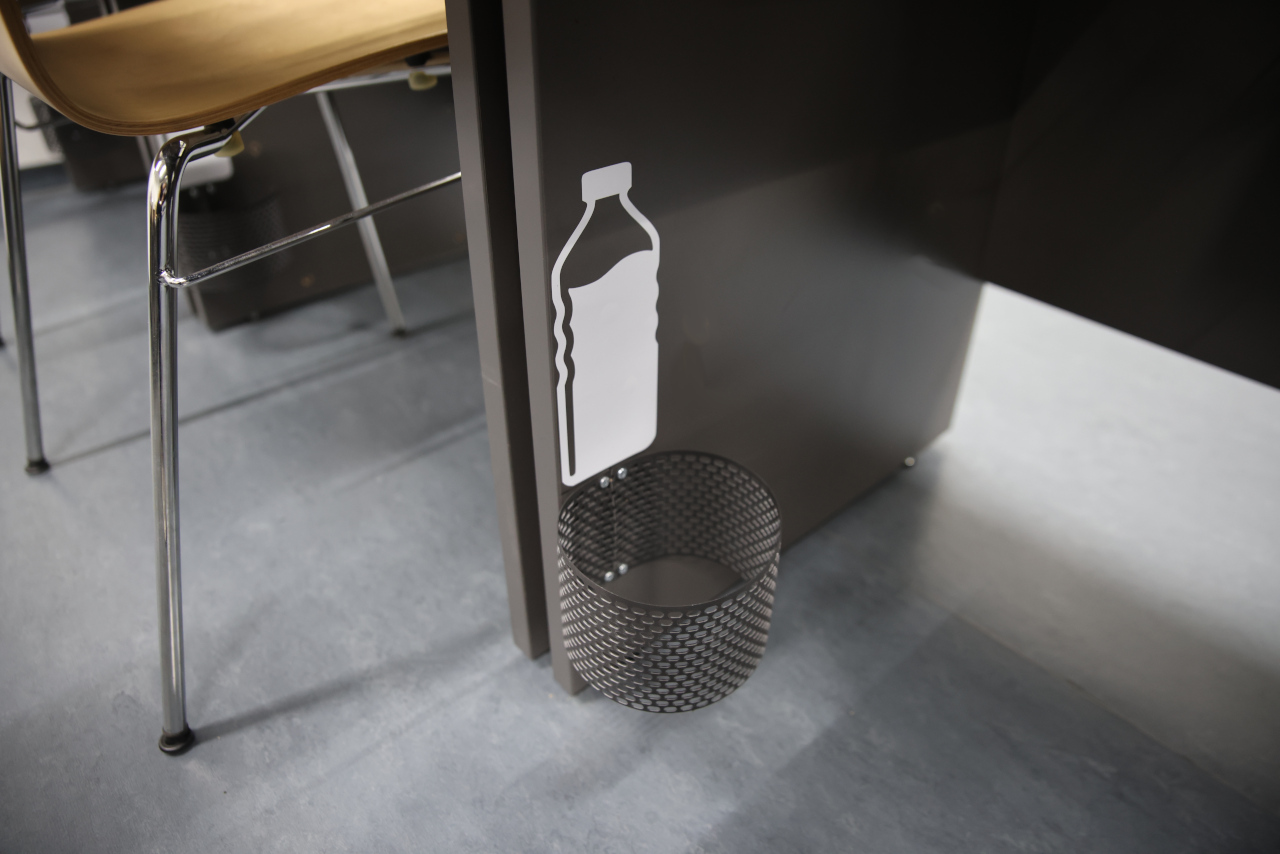
Food is not allowed in the exam room. You may bring a drink in a resealable bottle. Keep it in the holder on the floor at your workstation and leave the desktop clear.
¶ How does a demo differ from a regular exam?
After the demo, you can see your results and suggested answers. For a regular exam, you receive your grade later in TUCaN. Your teaching team will announce when you can review your exam.
¶ Why can I only book demo appointments for a limited period?
To keep appointments available for regular exams, demo bookings open after the regular exam booking deadline. You can then book any remaining demo slots between regular exams.
¶ Can I bring and wear earplugs?
Yes, as long as they are typical earplugs and do not have any electronics. Please notify us of any hearing aids.
¶ Can I wear my smartwatch or other smart devices?
No, as with regular exams, these are unauthorized aids.
¶ How do I get into the room? Access control and PIN
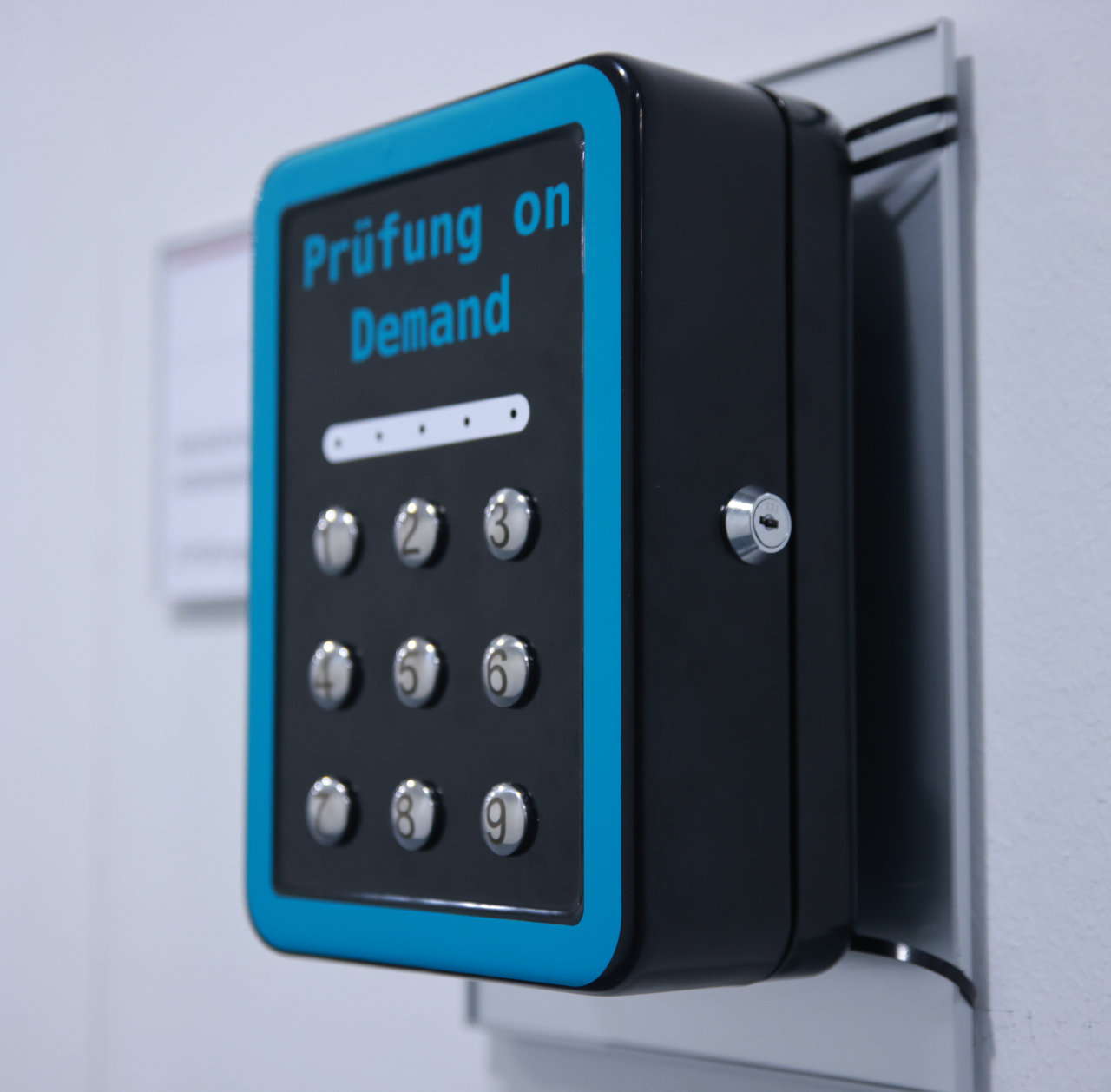
Enter your five-digit PIN on the keypad beside the door. Keep the PIN handy to check in at the service point.
Open original size (new tab)
¶ Which aids are permitted?
Check your exam guidelines to see which aids you may use at your desk. After signing in, place the smartphone you used for two-factor authentication face down at the back of your desk. You may also bring a drink and clearly visible earplugs. Store your other belongings in your locker before the exam starts. If you have an approved accommodation, your individually agreed arrangements may differ. Other people in the room may be taking a different exam with different rules on permitted aids.
Open original size (new tab)
¶ When do I need my sign-in details, PIN, seat number and locker number?
- You need your five-digit PIN at the door and at the service point when you check in. You can keep the PIN on your smartphone. You will no longer need it once you have stored your belongings.
- Use your locker number and seat number to find your locker and exam desk. The numbers are usually the same. After your exam, your locker opens automatically.
- You need your TU-ID, password and second authentication factor at your exam desk. Select Login via TU-ID in Moodle Exam to sign in.
¶ Checking in and using the exam room
¶ Is it allowed to speak in the exam room?
No, unless staff present explicitly allow it.
¶ How do I check in?
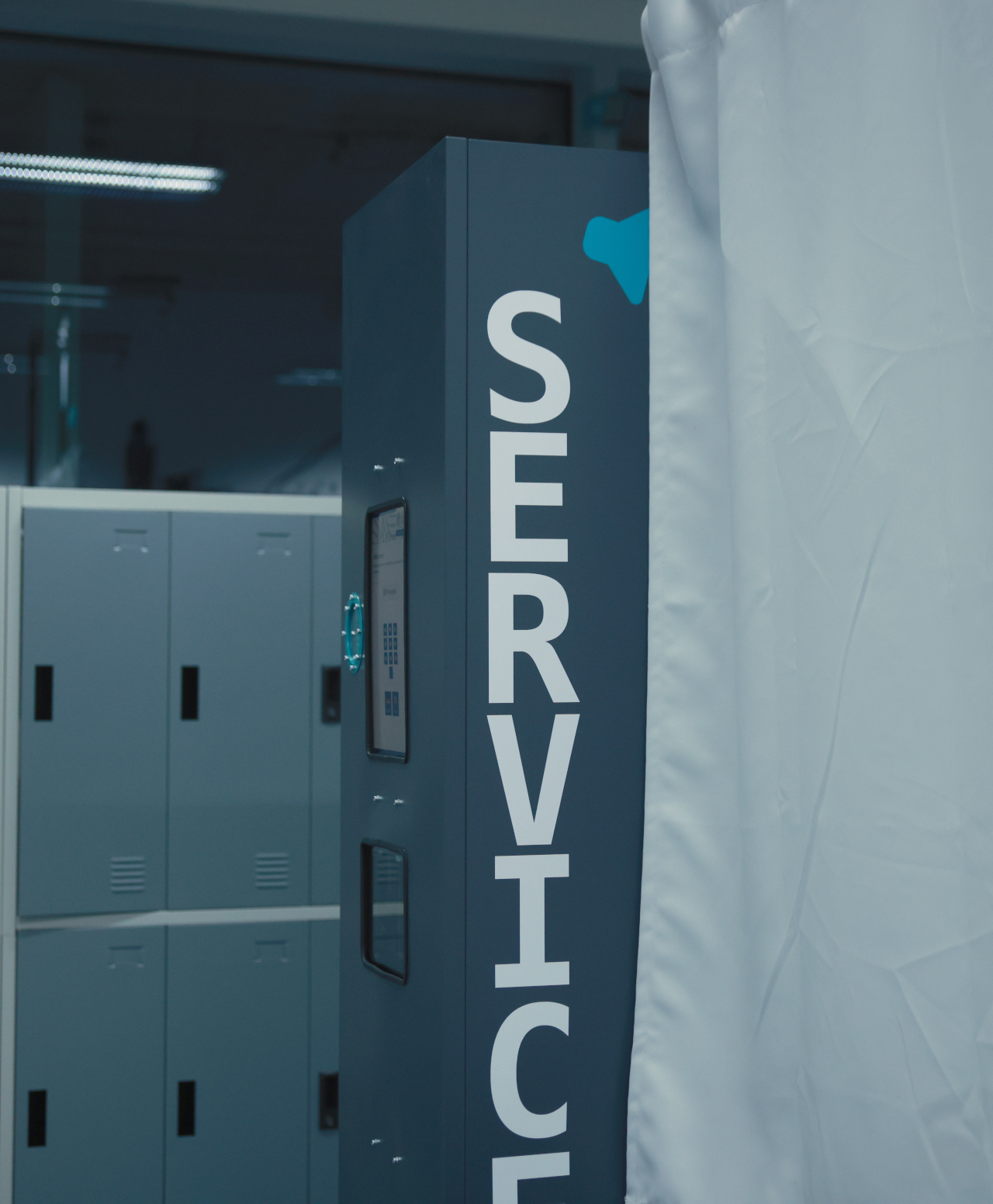
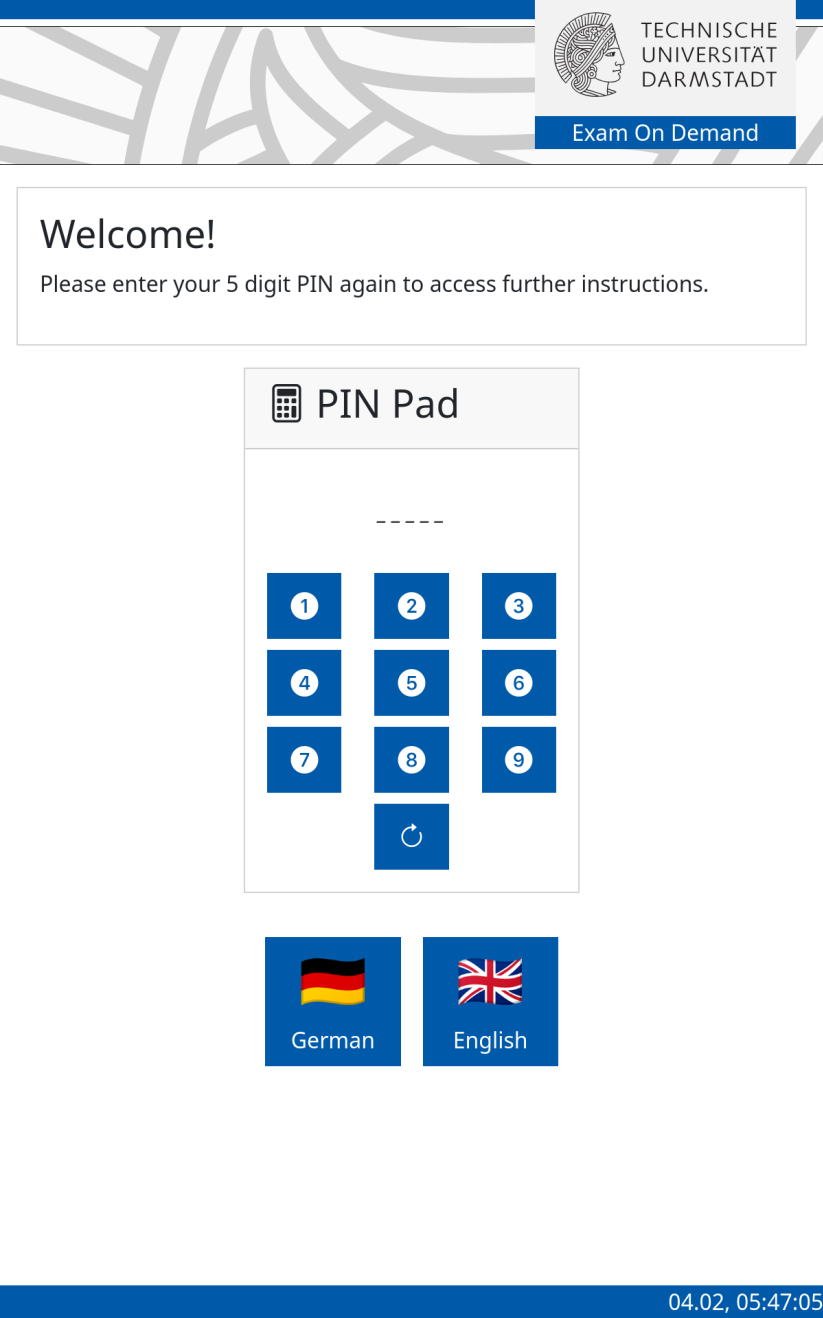
Enter your room access PIN at the service point. The screen will guide you through each step.
Open original size (new tab)
Open original size (new tab)
¶ How do I scan my ID document?
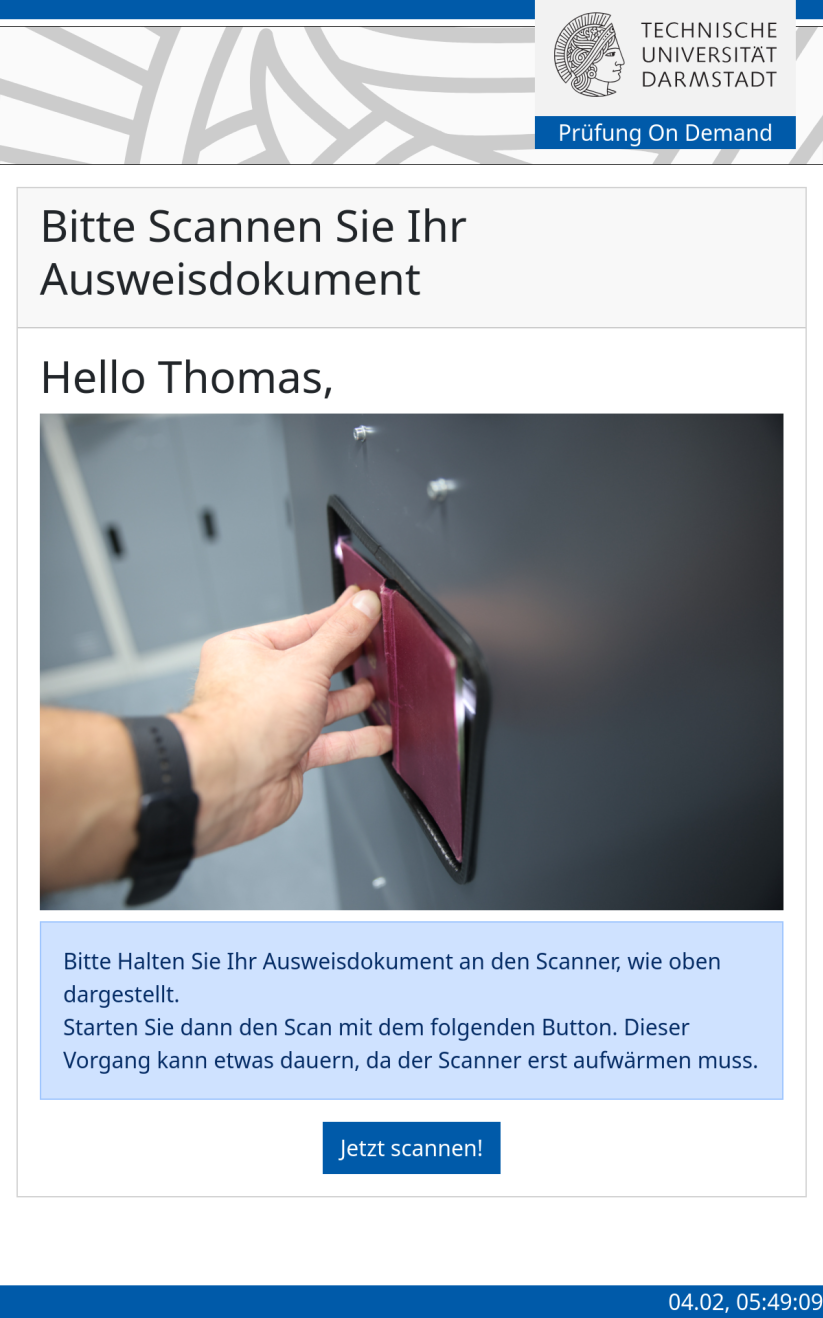
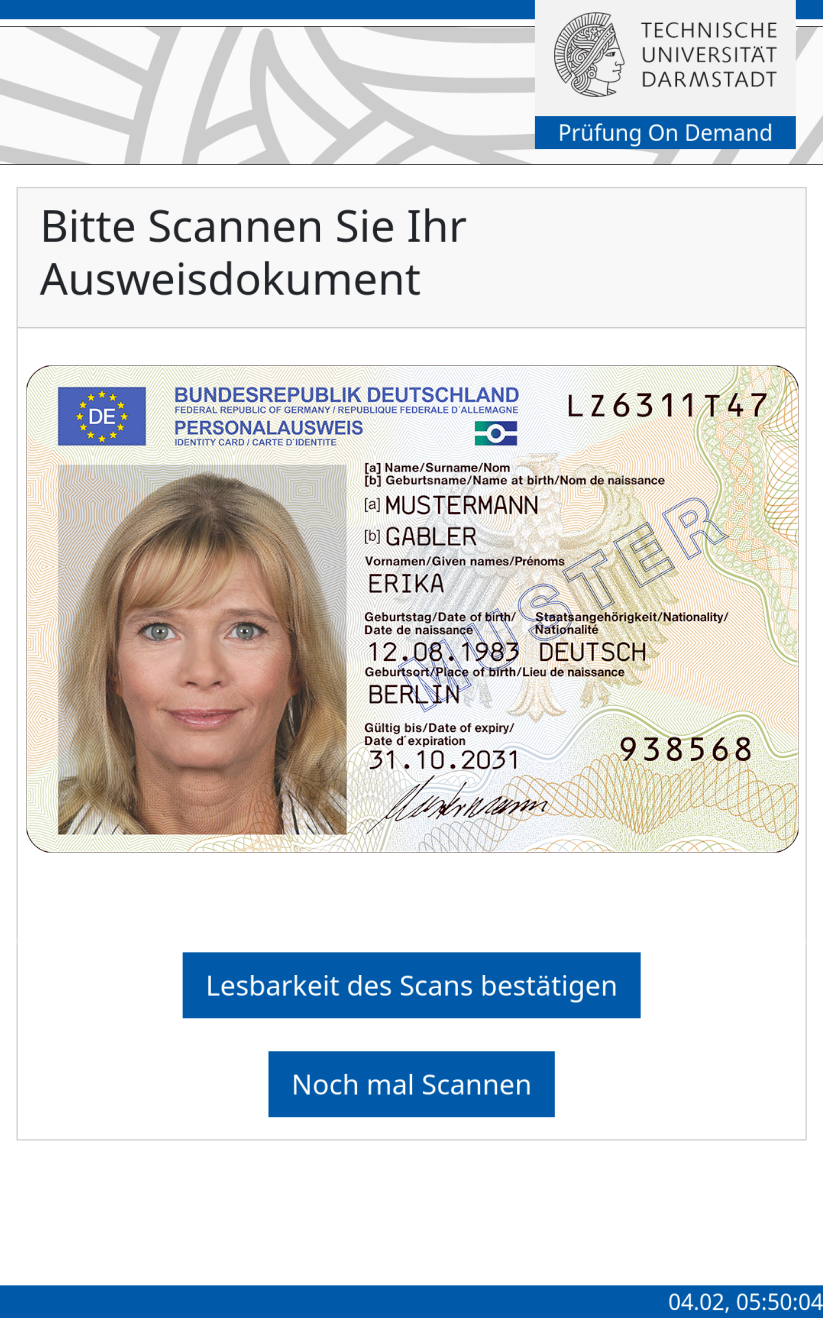
Follow the instructions at the service point. You can place your ID anywhere on the scanner surface, in any orientation. The scanner may need a moment to warm up.
Open original size (new tab)
Open original size (new tab)
¶ How should I position myself for the photo?
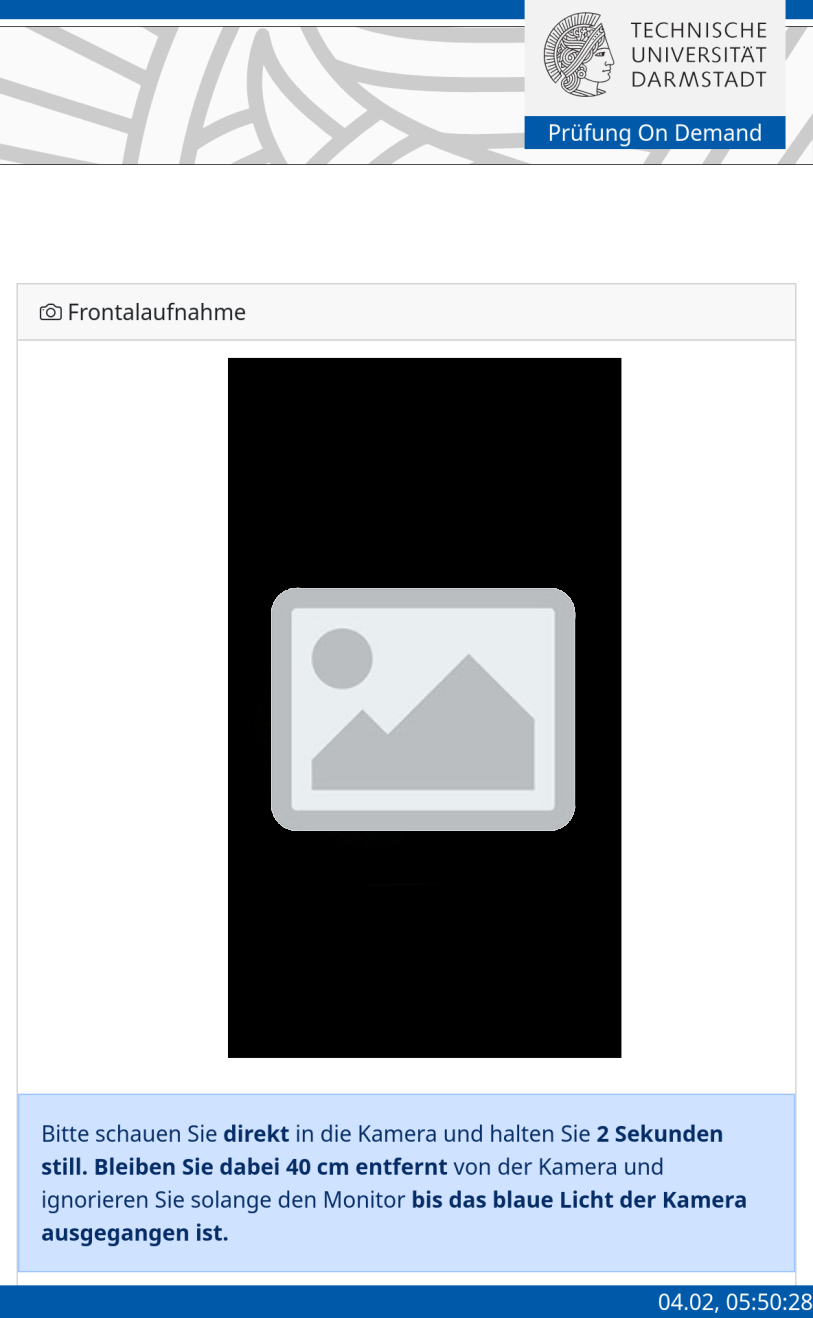
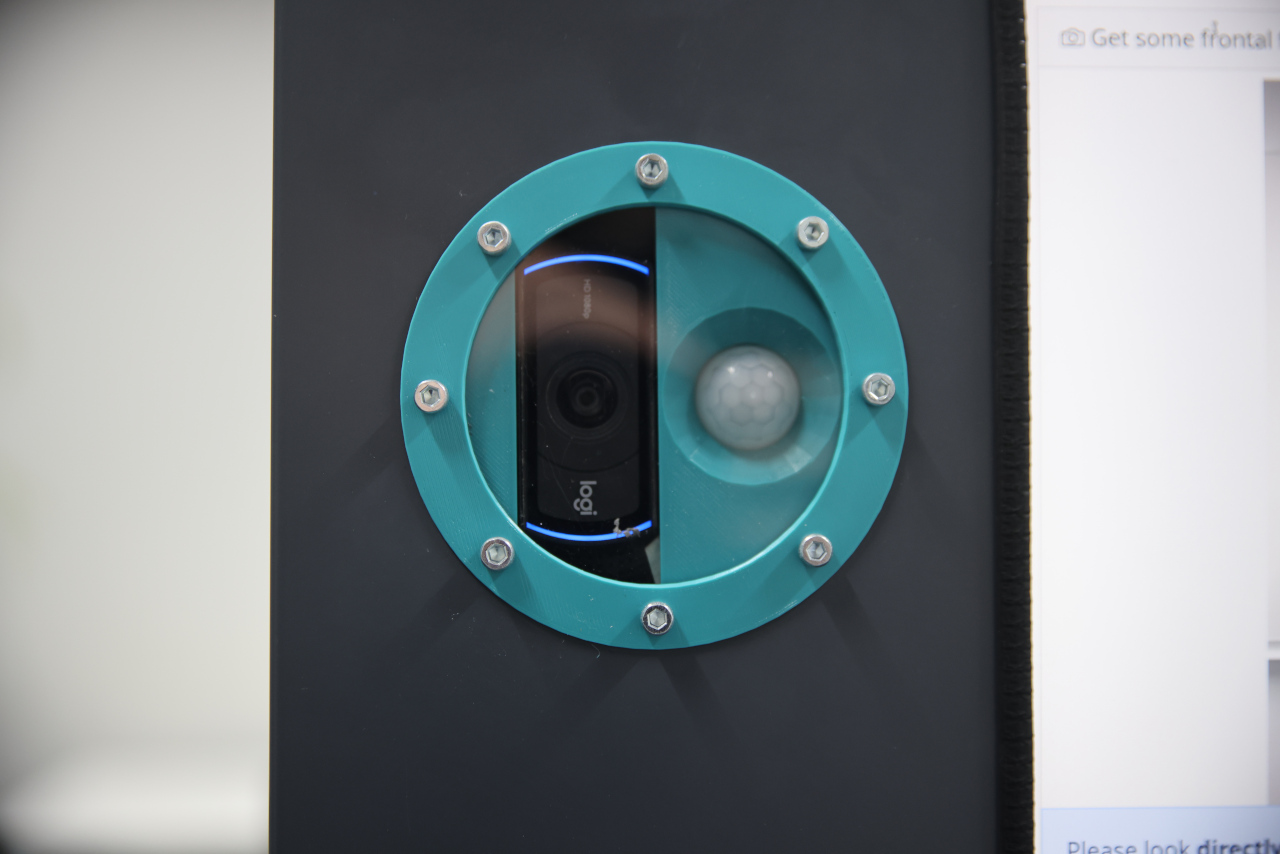
Look straight into the camera at eye level from about 40 centimetres away. Keep your head upright, as shown in the example. When the blue light goes out, the camera has taken your photo. You do not need to watch the monitor.
Open original size (new tab)
Open original size (new tab)
¶ Can I wear glasses or headwear for the frontal photograph?
Yes. You can keep your glasses, hat or other headwear on for the photo. If you would like to remove your headwear and can do so comfortably, we recommend it because your face will usually be easier to see. You can also keep it on without giving a reason.
¶ Locker access and seat number
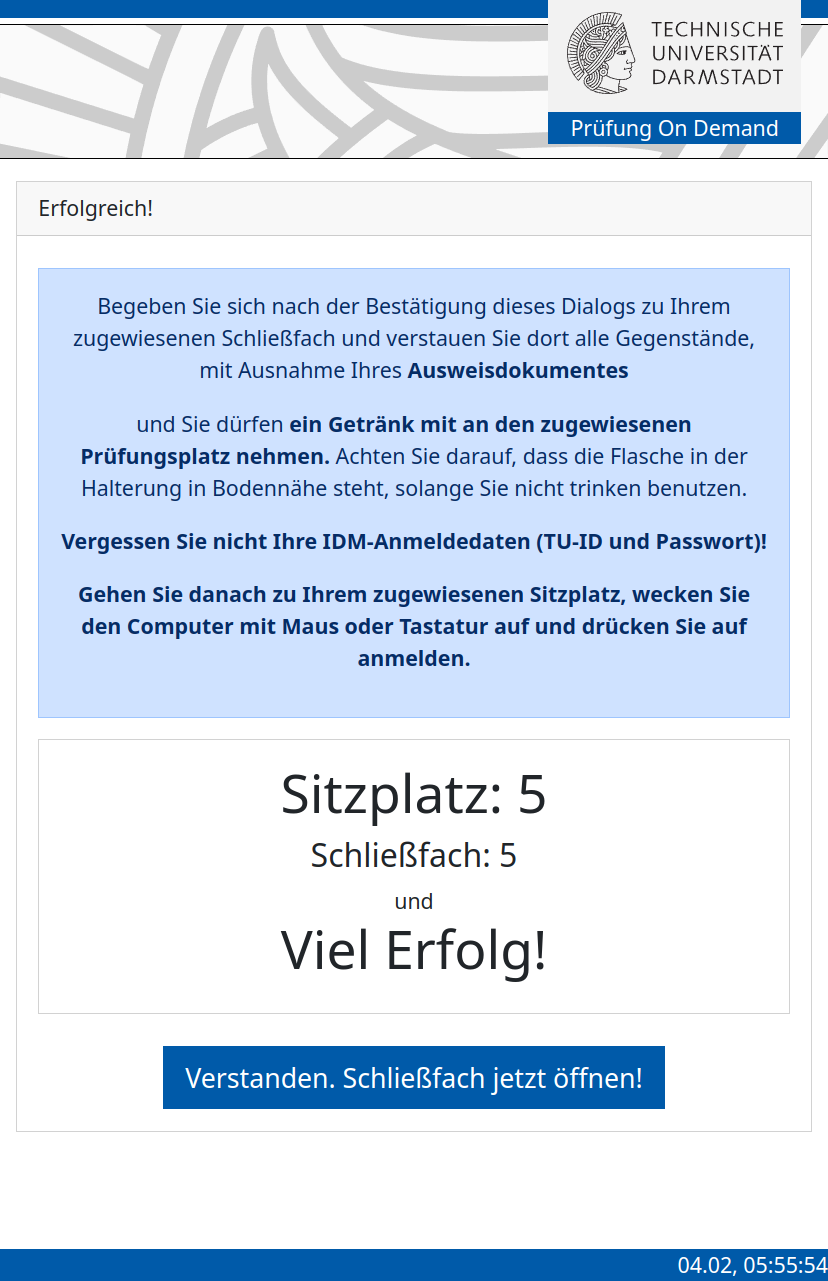
After check-in, you will see your seat and locker numbers. They are usually the same, but may differ if a locker is out of order. After your exam, the system opens your locker. Other people in the room may open their own lockers at the same time. A sound tells you when a locker is opening. You can listen to it here.
Open original size (new tab)
¶ During the Exam
¶ Am I allowed to stand up?
Once you have taken your seat, please stay seated. You may leave if a building or fire alarm sounds. After submitting your exam, you can leave the room.
¶ How do I open my locker?
The locker opens electrically as soon as all steps at the Service Point have been completed. It also opens when you finish the exam and leave the exam area.
¶ How does a restroom break work during my exam?
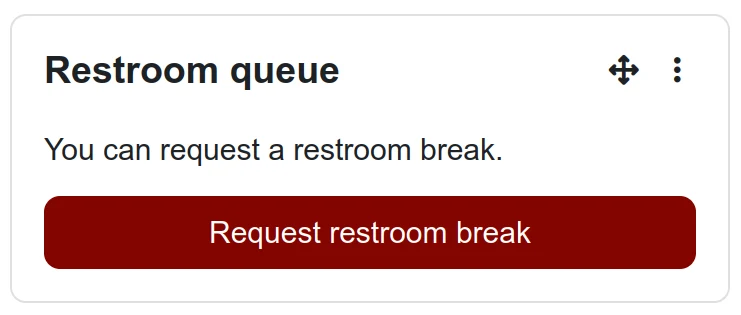
In the Moodle Restroom queue block, select Request restroom break. Students taking different exams have separate queues. If someone taking the same exam is already waiting, Moodle displays your position in the queue. You can cancel your request while you are waiting.
Open original size (new tab)
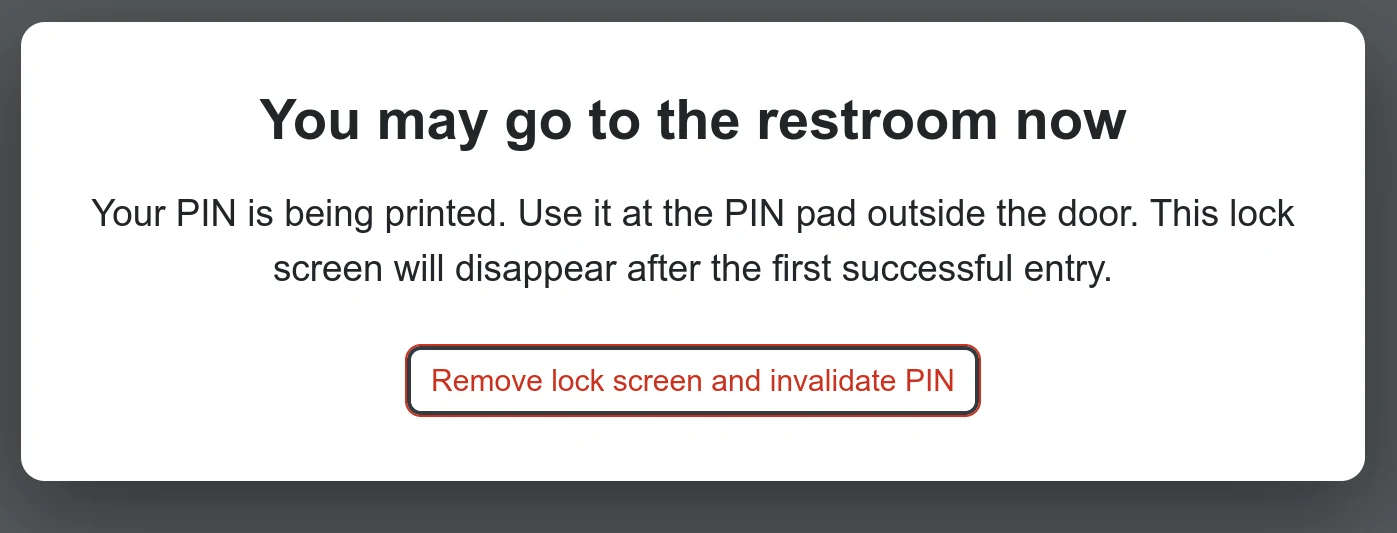
Remain at your exam desk. Please leave your smartphone near the back of the desk if possible. When it is your turn, Moodle displays a lock screen and automatically prints your personal PIN. You may leave only after this screen appears. The exam timer continues to run.
Open original size (new tab)
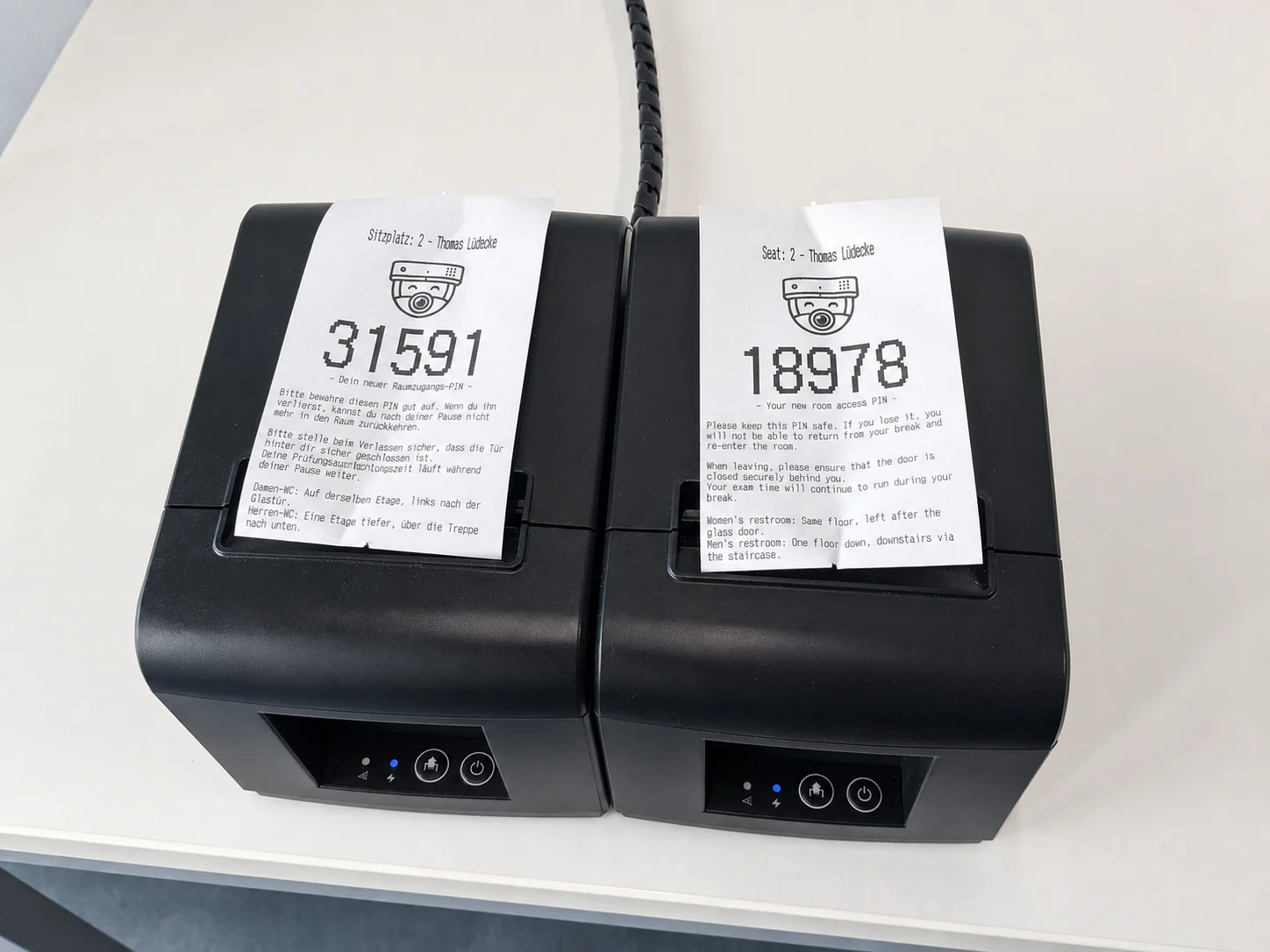
Take the printout from the printer. It is issued in German or English according to your language setting. It shows your seat number and a new five-digit room access PIN. When leaving, make sure the door closes completely behind you.
Open original size (new tab)
When you return, enter the printed PIN at the PIN pad outside the door. The door opens and the Moodle lock screen disappears. Return directly to your exam desk.
For exceptional cases only: If you decide not to leave or encounter a problem, you can remove the lock screen using the red button. This immediately invalidates the printed PIN.
¶ Where are the toilets located?
The ladies' WC is located on the same floor opposite the elevator. The men's WC is located one floor below opposite the elevator in the corridor there.
¶ Legal and technical details
¶ Can I see the declaration of consent for data processing from the booking form again?
¶ Audiovisual surveillance and recording
Examination supervision is carried out with camera and microphone monitoring. The recorded data is stored on servers at TU Darmstadt. The processing software is an in-house implementation and third-party applications and cloud applications are not used.
Data collected as part of demo tests is only stored for a short period of time and is only evaluated and immediately deleted by certain technical employees of the Digital Teaching and Learning Unit in case of damage or deviations in the process.
Data collected during examinations is stored until examiners have reviewed it and checked for attempts to cheat. In addition, only certain members of the Digital Teaching and Learning Unit have access to this data in order to be able to investigate in case of damage or deviations in the process
¶ Identity check by means of ID and frontal photograph
Without permanent supervisory staff, the identity check has to take place unconventionally and technically. At a service point, a single touchscreen in the room, an official ID document is scanned and a frontal photograph of the person to be identified is taken.
The person to be identified can view the scan and the frontal image themselves and check and confirm the legibility of the fonts on the document themselves.
The service point's scanning also ensures that:
- the scan is cut off correctly so that, if possible, only the part of the scan showing the ID card itself is visible.
- and that a straight view of the camera is guaranteed for the shot.
This data is deleted immediately in demo checks. In cases of liability, these have no more added value than the room booking.
As part of examinations, these images are shown to the examiners side by side so that they have to carry out the identity verification themselves (analogous to proctored exams). If the examiner confirms that the person on the official photo ID is the same person as in the frontal photograph, the frontal photograph and the scan of the official ID document are deleted. If the identity cannot be established, the conventional identity verification procedure is applied, which is otherwise used for examinations if no official photo ID is brought to the examination.
¶ Processing of surveillance data using artificial intelligence
The video material from the invigilator is processed using video object detection. This provides examiners with an advance analysis of the recording to determine whether unauthorized objects have been brought to the exam.
The audio footage from the recordings is processed using voice activity detection with a multi-language model in order to give examiners indicators of the times at which the recordings were spoken in the room despite the ban on speaking.
In general, no decision is made by artificial intelligence. There are no automated consequences.
¶ Processing of the scan and frontal image by artificial intelligence
The passport section is cut and rotated locally on the service point using artificial intelligence from OpenCV before confirmation and saving.
Ensuring the correct facial tilt during frontal recording is ensured locally on the Service Point with FaceAPI before saving.
AI is not used to compare the ID photograph with the frontal image. After capture at the service point, scans and frontal images undergo no artificial-intelligence processing.